
What agentic AI is and how it differs from a chatbot
Agentic AI is a model that runs its own loop with tools
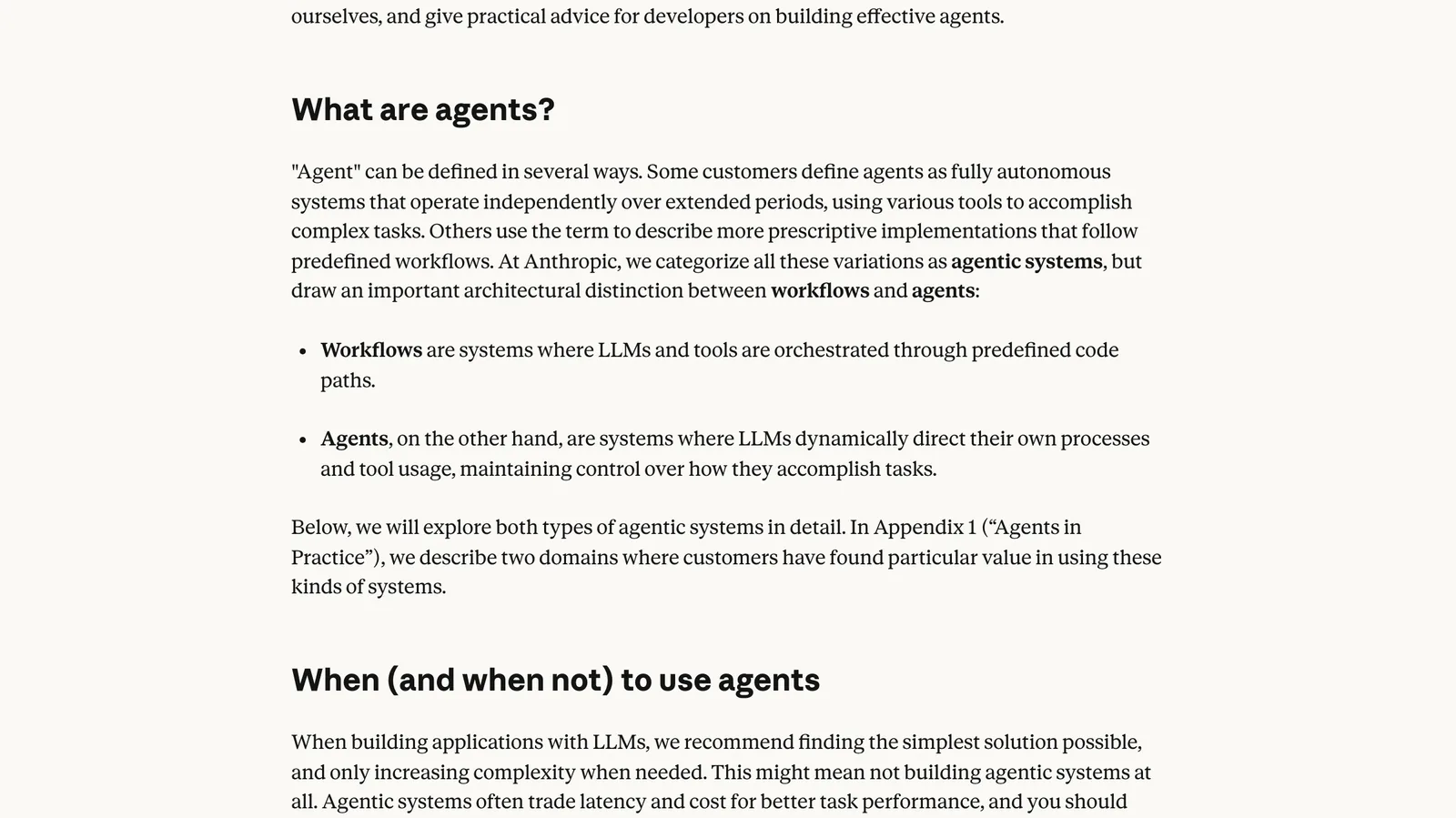
Agentic AI is software where a language model decides its own next step, calls a tool to act on it, reads what came back, and repeats until the job is done. A chatbot answers one message at a time, and a workflow follows steps a developer wrote in advance. An agent picks the steps itself, which is why it copes with messy tasks and also why it costs more and needs limits.
The clearest line between those three comes from Anthropic's engineering post Building effective agents. It calls every one of these setups an agentic system, then splits them in two: workflows are "systems where LLMs and tools are orchestrated through predefined code paths", while agents are systems where LLMs "dynamically direct their own processes and tool usage". Same model, same tools. The difference is who holds the steering wheel.
OpenAI draws the line in the same place. Its practical guide to building agents defines agents as "systems that independently accomplish tasks on your behalf" and says plainly that simple chatbots, single turn LLM calls and sentiment classifiers are not agents, because the model never controls how the work runs. So when a vendor calls a product agentic, the useful question is short: does your code decide the next step, or does the model?
If you have a process in mind and cannot tell whether it needs an agent or a workflow, we can sort that out on one call. Book a call with GenovaFlow AI
Chatbot, workflow and agent differ in who picks the next step
Put the three side by side and the trade is easy to see. Control moves from your code to the model as you go down the table, and so does the cost of a mistake.
| Who decides the next step | Can it act? | An everyday example | |
|---|---|---|---|
| Chatbot | Nobody: one question, one answer | No, it only replies | Answering questions from your help pages |
| Workflow | Your code, written in advance | Yes, at fixed points | Sort each incoming email by topic, then draft a reply with the right template |
| Agent | The model, one turn at a time | Yes, whenever it chooses | Look up an order, check the refund policy, then refund or pass the case to a person |
Most useful business automation still sits in the middle row. Anthropic's post names five workflow patterns that cover a lot of ground: prompt chaining, routing, parallelization, orchestrator workers and evaluator optimizer. The email sorter above is routing. Each pattern is built from what the post calls the augmented LLM, a model "enhanced with augmentations such as retrieval, tools, and memory", which is why retrieval augmented generation and tool calling show up in almost every serious build (Anthropic).
OpenAI's guide breaks an agent into three parts you can actually point at: the model that reasons, the tools it can call, and the instructions and guardrails that bound it. It also sorts tools into data tools that fetch context, action tools that change something in another system, and orchestration tools, where one agent is itself a tool for another (OpenAI, pages 7 to 9). If a design has no action tools, it is probably a chatbot with extra steps.
A worked example of one agent loop
Under the label, an agent is a loop. Anthropic describes agents as "typically just LLMs using tools based on environmental feedback in a loop", and stresses that the agent needs ground truth from its environment at each step, such as a tool result, to judge its progress (Building effective agents).
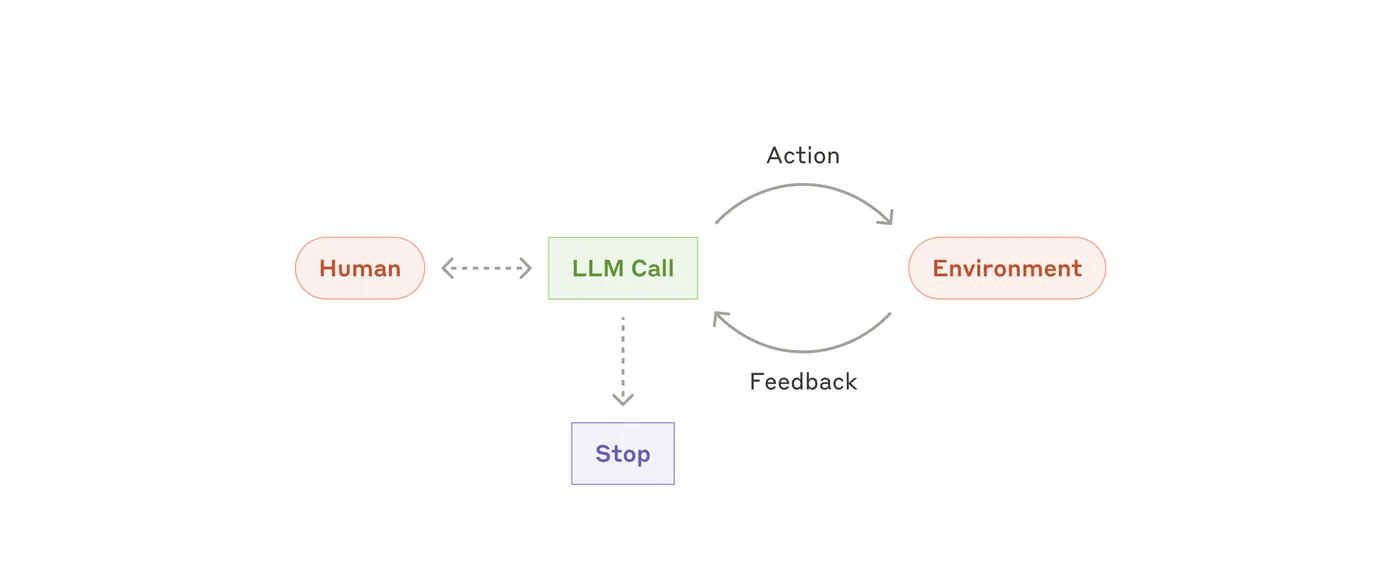
Here is that loop on a support ticket. This is an illustration, not a client build: a customer writes that order 4417 arrived damaged and asks for a refund. The agent has four tools: get_order, get_refund_policy, issue_refund with a cap you set, and escalate_to_human.
- The model reads the email and asks for
get_orderwith the order number. Your code runs the lookup and returns the status and the amount paid. - With the order in hand, the model asks for
get_refund_policyand gets back the policy text. - It compares the two. Inside the policy and under the cap, it calls
issue_refund; outside it, it callsescalate_to_humanwith a short summary. - It writes the reply to the customer without calling a tool, and that answer ends the loop.
Notice who did what. The model never touched your database: it asked for a tool by name, and your code decided whether and how to run it. That is exactly how the Claude API works, where a response with stop_reason: "tool_use" carries one or more tool requests and your code sends back a tool_result block with the output (Anthropic tool use docs). The whole loop fits in a screen of code:
MAX_TURNS = 10
messages = [{"role": "user", "content": customer_email}]

for turn in range(MAX_TURNS):
    response = client.messages.create(
        model=MODEL, max_tokens=1024, tools=TOOLS, messages=messages)
    if response.stop_reason != "tool_use":
        break                      # the model answered without a tool: done
    messages.append({"role": "assistant", "content": response.content})
    results = []
    for block in response.content:
        if block.type == "tool_use":
            output = run_tool(block.name, block.input)   # your code acts
            results.append({"type": "tool_result",
                            "tool_use_id": block.id, "content": output})
    messages.append({"role": "user", "content": results})
else:
    escalate_to_human(messages)    # hit the turn limit: hand it over
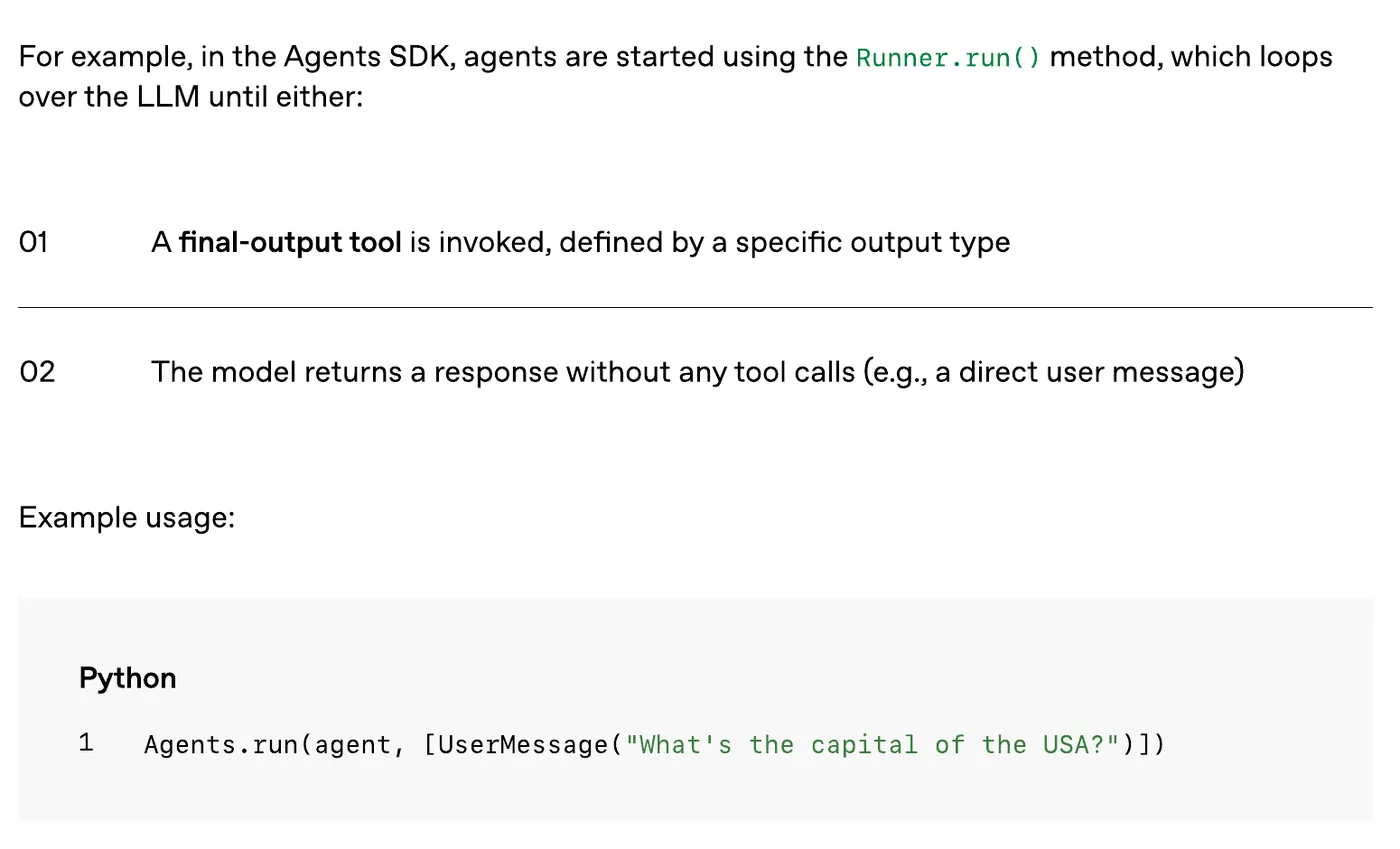
The turn limit at the top is not decoration. Anthropic recommends stopping conditions such as a maximum number of iterations to keep control, and OpenAI's Agents SDK ends its run loop when a final output tool is called or the model replies without any tool call (OpenAI, page 15).
MCP is the plug between an agent and your systems
The loop needs tools, and every tool needs a connection to a real system. The Model Context Protocol is the open standard for that connection: its official docs describe it as a way for AI applications such as Claude or ChatGPT to connect to data sources, tools and workflows. Write the connection once as an MCP server, and any app that speaks MCP can use it.
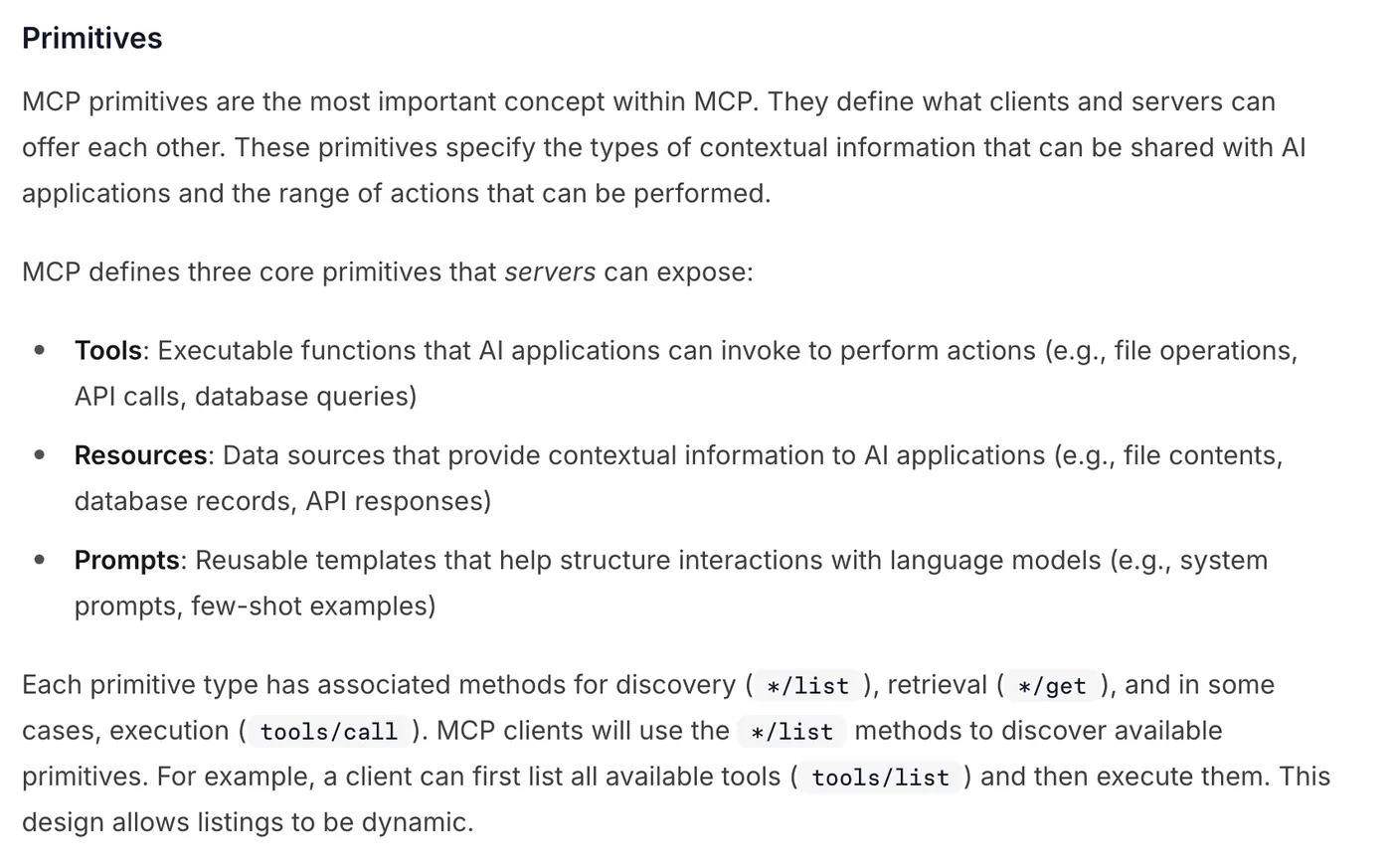
The architecture overview names three parts. The host is the AI application, the client is the connection it opens for each server, and the server is the program that exposes your system. A server can offer three kinds of things, shown below: tools the model can call, resources it can read, and prompts that package a way of working.
In the refund example, get_order and issue_refund could live on one MCP server in front of your shop system. That is also the honest answer to what "plugs into your stack" means: it usually means a tool or MCP server sits between the model and the software you already run. MCP itself is not an agent. The architecture page is explicit that the protocol covers only how context is exchanged, not how the application uses the model, so the loop and its limits stay your job.
Use an agent only where the steps cannot be written down
Start with the simplest thing that works. Anthropic's advice is to find "the simplest solution possible" and add complexity only when needed, warning that agentic systems often trade latency and cost for better task performance (Building effective agents). Its rule for agents is narrow: use them when you cannot predict how many steps a task takes and cannot hardcode the path, and expect higher costs and errors that compound across turns.
OpenAI points at the same kind of work. Its guide says agents earn their place in decisions full of exceptions and judgment, in rule sets that have grown too tangled to maintain, and in jobs that depend on reading unstructured text such as documents or customer messages (OpenAI, pages 5 and 6). If none of that is true, it says a deterministic solution may be enough.
Before you build one, these four questions settle most cases:
- Could you draw the process as a flowchart today? Then build a workflow first.
- Which actions are irreversible, such as refunds, cancellations or payments? Those need a human checkpoint, which OpenAI lists as a trigger for human intervention alongside repeated failures.
- What is the turn limit, and what happens when the agent hits it?
- How will you test it on real past cases before it touches a customer?
Cost deserves its own line. Every turn sends the whole conversation back to the model, so a ten turn task pays for its context ten times over. The same mechanics drive the fixes in cutting Claude Code token usage, and how large language models differ explains why the model you put inside the loop changes the bill as much as the design does. For when a person should take over, see when an AI agent should hand off to a human.
This post is the starting point for the AI explained series; the AI agents category covers agents for voice, chat and outreach in production. If you want one built around your own systems, that is what our custom AI agents service does.
Questions people ask
What is agentic AI in simple terms?
Agentic AI is a system where a language model decides what to do next, uses tools such as a database lookup or an email sender to do it, checks the result, and repeats until the task is finished. A chatbot only replies. A workflow follows steps that a developer fixed in advance. Anthropic calls both workflows and agents agentic systems, but only agents let the model direct the process.
What is the difference between agentic AI and a chatbot?
A chatbot answers each message and stops. An agent can act: it calls tools, reads what they return and keeps going until the job is done or a limit is hit. OpenAI's guide to building agents says simple chatbots are not agents because the model does not control how the work runs.
AI agent vs workflow automation: which should you use?
Use a workflow when you can write the steps down in advance, because it is cheaper, faster and easier to test. Use an agent when the number of steps cannot be predicted and the path cannot be hardcoded. Anthropic recommends starting with the simplest solution that works and adding autonomy only when it pays for itself.
Is MCP the same as agentic AI?
No. The Model Context Protocol is an open standard for connecting AI applications to tools and data. An agent can use MCP servers as its tools, but MCP does not decide anything. The loop that chooses which tool to call, and when to stop, is the agent.
Is agentic AI the same as generative AI?
Agentic AI is built on generative models, but it adds a loop and tools. A generative model on its own produces text, images or code in reply to a prompt. An agent uses that model to choose and take actions in other systems, then reads the results and continues, as described in OpenAI's agent guide.
Sources
Keep reading
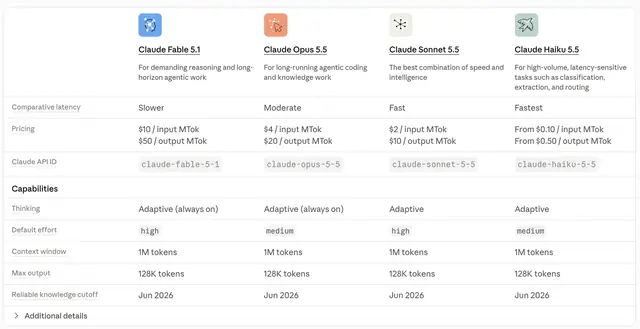
How large language models differ, and what to compare
Context window, reasoning effort, tool use, input types and price per token: how LLMs from Anthropic, OpenAI and Google differ, from their own pages.
Read the post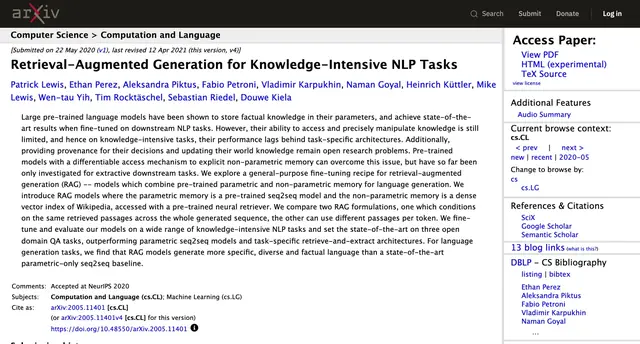
RAG explained: how retrieval works and when to use it
Retrieval augmented generation finds the right passages and puts them in the prompt. How it works, from the 2020 paper to vector search, and when to skip it.
Read the post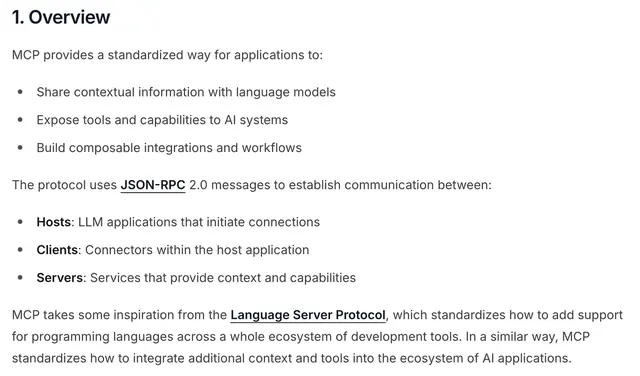
What "plugs into your stack" means for AI agents
APIs, webhooks, OAuth and MCP are how an AI agent reads, acts and writes back in your CRM, calendar and helpdesk. What each one does and what to ask.
Read the post