
WhatsApp AI chatbot for business: the official way to set one up
Put the bot on Meta's official platform and keep it about your business
A WhatsApp AI chatbot for business runs on one of Meta's official routes: Meta's own agent, in the WhatsApp Business app or on the WhatsApp Business Platform, or your own agent connected to the platform, directly or through a partner. Meta's terms, updated on 15 January 2026, require the bot to serve your business, such as bookings or support, rather than be a general assistant, and its messaging policy requires a clear way to reach a person.
This guide is about the setup and the rules: which route fits, what Meta asks for before the first message goes out, and which lines in its terms and policy decide what the bot is allowed to be. If you are planning a booking agent specifically, the 24 hour reply window, templates in several languages and the per message prices are covered in multilingual WhatsApp agents and after hours bookings, so this post only touches them where the setup depends on them.
If you want an agent answering on your WhatsApp number but are unsure which route or rules apply, we can work through it with you. Book a call with GenovaFlow AI
There are three official routes, and they differ in who runs the AI
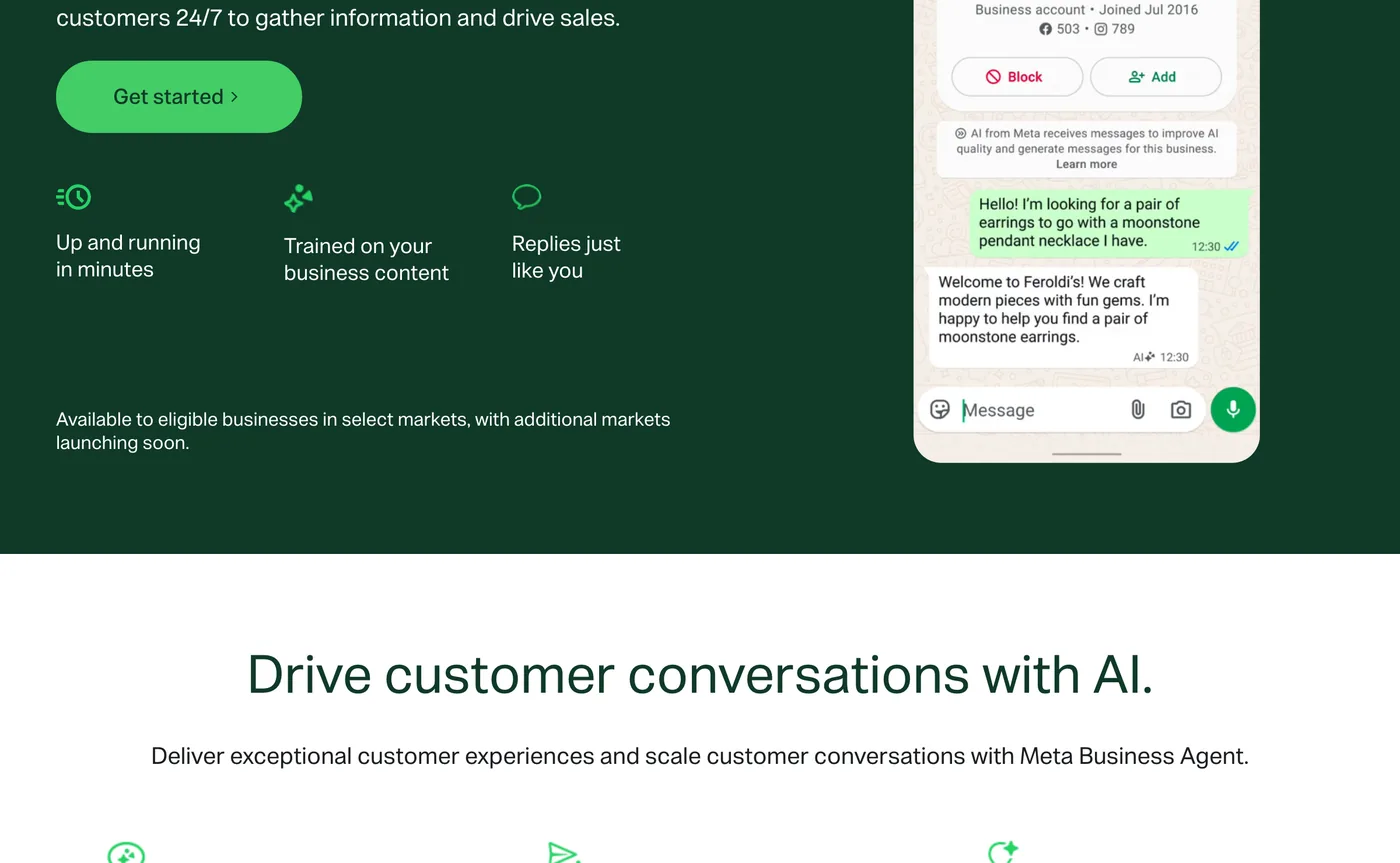
The first route is the WhatsApp Business app itself. Meta describes it as built with the small business owner in mind, with greeting and away messages, and its AI option is Meta Business Agent, which you switch on from the app's Tools menu. According to the Meta Business Agent page, it learns from your past chats and your Facebook Page, you can add your website or catalog, and you choose topics it should flag and hand to you. The same page says it is available to eligible businesses in select markets, so check yours before planning around it.
The second route is the one most custom bots use: the WhatsApp Business Platform Cloud API, which Meta says enables you to programmatically message and call on WhatsApp. Here the AI is yours. You pick the model, write its instructions and connect it to your calendar or CRM, and WhatsApp is the channel it talks through. Meta's platform page offers two ways in: connect directly if you have developers who can integrate the API, or pick a partner and onboard through their embedded signup if you do not want to manage the API yourself.
Partners come in two kinds. Solution Partners offer the full range of platform services and can extend their credit line to you, so you do not add a payment method at onboarding. Tech Providers offer the same services but have no credit line, so you add your own payment method and Meta bills you for API usage. If your business already runs on the WhatsApp Business app, a partner can onboard that same number so you keep chatting from the app while the API handles volume, with limits: app version 2.24.17 or later, a fixed throughput of 20 messages per second, and group chats that do not sync.
The third route sits between the two. The Meta Business Agent Platform puts Meta's agent on a number that already runs on the WhatsApp Business Platform, configured through Meta's tools and connected to your own APIs. Eligibility is narrower than the Cloud API: the business must be in an eligible country and in good standing, several verticals are excluded (including finance, health, government, alcohol and gambling), and the number must not already be running another AI agent.
The Cloud API route needs five things before the first reply
Meta's Get Started guide and its list of platform components come down to the same short list. Each item is something a partner can do for you on the partner route, but on the direct route it is yours.
- A Meta business portfolio, which you select or create while creating the app.
- A Meta app with the "Connect with customers through WhatsApp" use case, connected to a messaging account in API Setup.
- A business phone number you own, with a country and area code, that can receive a voice call or SMS. A number already in use on WhatsApp has to be deleted from WhatsApp first, unless a partner moves it across with the app as described above.
- A display name and a two step verification PIN, both set when you register the number.
- An access token. The one from the Generate access token button expires quickly, so production uses a system user token with the
business_management,whatsapp_business_messagingandwhatsapp_business_managementpermissions.
Meta also gives you a free test number during setup, and test resources have relaxed limits and need no payment method for templates, according to the platform overview. Use it to build the whole bot before your real number goes anywhere near it. When a reply fails later, the error codes page covers the two you are most likely to meet: 190 for an expired access token, and 131047 when more than 24 hours have passed since the customer last wrote.
Business verification decides how far the number can grow. Meta's messaging limits page says newly created business portfolios can deliver messages to 250 unique people outside an open customer service window in a rolling 24 hours, and verifying the business is one of the paths to 2,000. The phone numbers page adds that new portfolios start with two registered numbers, rising to 20 once the business is verified or reaches the 2,000 limit. A bot that only answers people who wrote first rarely touches those limits, but reminders and confirmations sent outside the window do.
The display name is checked too. Meta's display name documentation says the name is verified automatically against its display name guidelines once you reach a higher messaging limit, and ends up approved or declined. Use the name customers already know your business by.
The webhook has to be public, on https, with a real certificate
Your bot hears customers through a webhook: an address on your server that Meta calls every time something happens on your number. Meta's Create a webhook endpoint page sets the bar plainly. The server must have a valid TLS or SSL certificate, and a self signed certificate will not work, so a laptop behind your router is out unless you put a proper tunnel or a hosted automation tool in front of it.
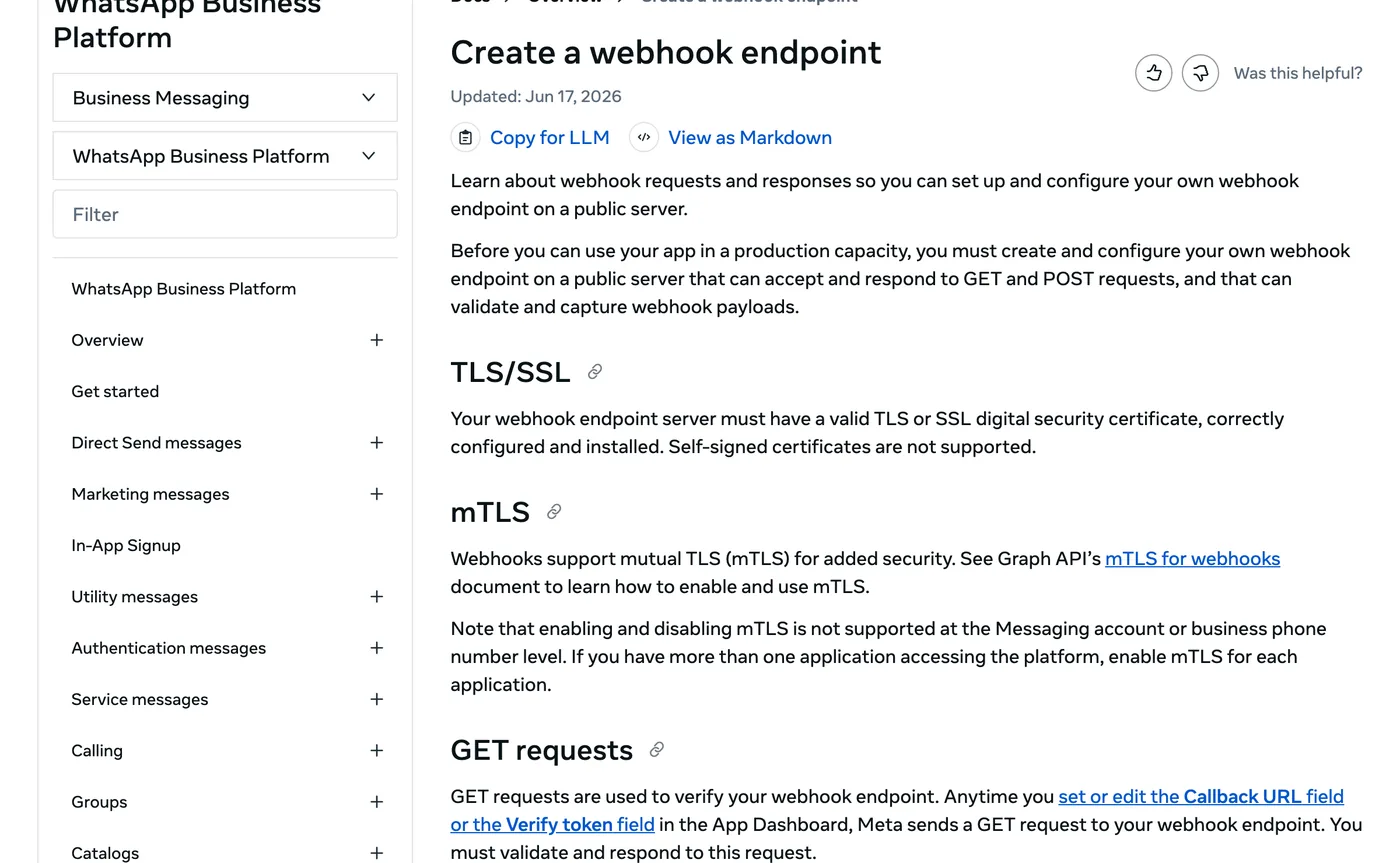
Two kinds of request arrive. A GET request verifies the endpoint when you save the callback address in the App Dashboard: it carries a verify token you chose, and your server answers with status 200 and the challenge value Meta sent. After that, every event comes as a POST with a JSON body, and you check it against the signature header before trusting it.
GET  /webhook?hub.mode=subscribe&hub.verify_token=YOUR_TOKEN&hub.challenge=1234
     -> 200, body: 1234
POST /webhook   (JSON event, header X-Hub-Signature-256: sha256=...)
     -> check the signature, then 200
Three details are easy to miss. Delivery receipts for your own replies (sent, delivered, read and failed) arrive on the same messages field as customer messages, so filter them out before they reach the model, or the agent wakes up and costs money on every receipt. Meta retries failed deliveries for up to 7 days, which can produce duplicates, so the handler must be safe to run twice for one message. And if you build in n8n, its WhatsApp Trigger docs warn that WhatsApp allows a single webhook per app, so clicking the editor's test button replaces your live address and the published workflow goes quiet.
Meta bans general purpose assistants, not business bots
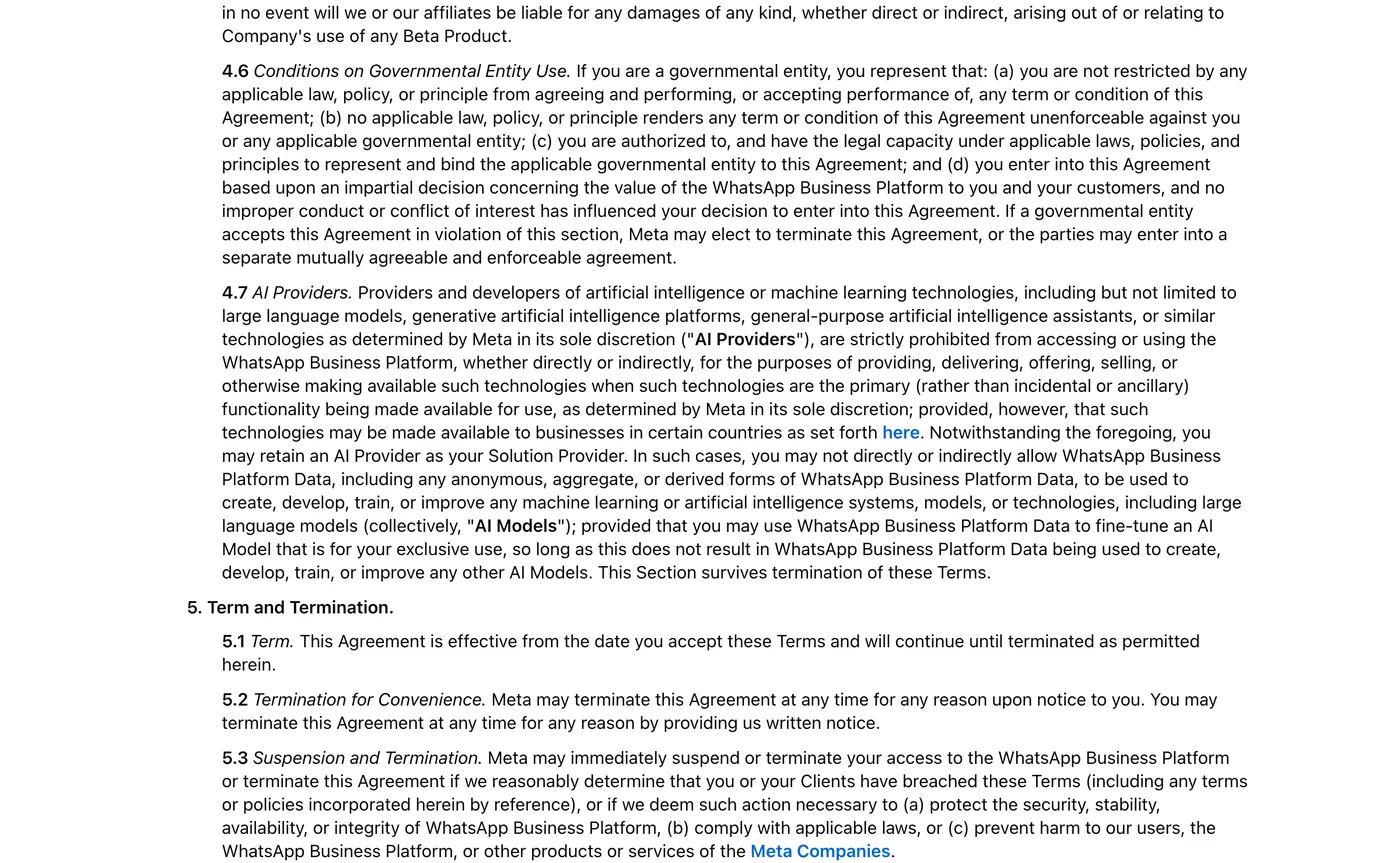
Section 4.7 of the Meta Terms for WhatsApp Business Platform is titled AI Providers. It covers providers and developers of AI technologies, including large language models, generative AI platforms and general purpose assistants, and strictly prohibits them from using the platform to offer those technologies when they are the "primary (rather than incidental or ancillary) functionality" on offer, as determined by Meta in its sole discretion. Meta's AI providers page dates the terms change to 15 January 2026.
Read it from the business side and the line is clear enough. A barbershop whose agent books haircuts is a barbershop, and the AI is incidental to what it sells. A company that puts a chatbot on WhatsApp so anyone can ask it anything is offering the AI itself, and that is what the section targets. Because Meta decides which side a service falls on, keep the bot narrow on purpose: tell it what it handles, and send everything else to a person instead of answering it.
Two more parts of the section matter if you hire help. You may retain an AI provider as your Solution Provider, but WhatsApp Business Platform data may not be used to train or improve AI models, except to fine tune a model for your exclusive use. The ban also has exceptions: the section allows such technologies in certain countries, and the AI providers page lists them, including Brazil, Italy, Türkiye and a group of European countries, each with its own dates and charges.
Opt in and a way to reach a person are conditions of using automation
The WhatsApp Business Messaging Policy allows automation when you reply inside the 24 hour window, on one condition: you "must also have available prompt, clear, and direct escalation paths". The policy lists what counts, which is a transfer to a human agent in the chat, a phone number, an email address, web support on your site, a visit to a store or branch, or a support form. A bot with no way out breaks the policy even if every answer it gives is right.
An email address is enough to meet that list, but a transfer in the chat is a better experience, and the rules for when the bot should stop and pass the conversation on are in when an AI agent should hand off to a human. Whatever route you choose, say it in the first message and make "talk to a person" work every time.
Opt in decides who you may message first. The policy says you may only contact people who have given you their number and agreed to receive messages or calls from you, and Meta's opt in guide adds that the request must say clearly that the person is opting in and name your business. An agent that only answers people who wrote to you is on the safe side of that line. Reminders and offers it sends on its own need the opt in on record, and outside the window they also need an approved template.
The same policy sets three more limits that belong in the bot's instructions. Honour every opt out request, whether it arrives on WhatsApp or anywhere else. Never ask for full card numbers, bank account numbers or ID card numbers. And never forward or share anything from one customer's chat with another customer.
Three design rules keep the bot inside those lines
The policy tells you what the bot may not do, and the build decides whether it can. Each of these three rules lives in the workflow rather than in the prompt, so it closes a gap that instructions alone leave open.
- Fix every lookup to the sender's number. When the agent searches for bookings, the search uses the phone number the message came from, set in the workflow, not a value the model fills in. A crafted message asking for another number's bookings then has nothing to work with.
- Key the conversation memory to the sender's number, so each customer gets their own history and a reply like "the 11 one" refers to times offered to that person, not to someone else.
- Let only real customer messages through. A filter that passes text messages and stops receipts keeps the model from reading delivery updates and keeps your bill tied to real conversations.
Behind those rules sits the connection to the systems that hold the real answers, the calendar, the booking tool or the CRM, which what plugs into your stack means explains. Our AI chat agents answer on WhatsApp Business, book straight into the calendar and hand the conversation to a person when something needs judgement.
The WhatsApp bill is per delivered message, and replies start free
Meta's pricing page charges per delivered message, by category and by the country code of the recipient, and messages customers send to you are free. Each business phone number gets 1,000 free delivered service messages a month, and Meta Business Agent is priced separately at $2.00 per million tokens.
The model you run, the server or automation tool that hosts the webhook, and any templates you send are separate costs on top. How templates are priced, how the 24 hour window shapes the bill and what changed in October 2026 are covered in multilingual WhatsApp agents and after hours bookings, and more on agents for small teams is in AI agents for business.
Questions people ask
Is a WhatsApp Business chatbot free?
Not entirely. On the WhatsApp Business Platform, Meta charges per delivered message, messages customers send you are free, and each business number gets 1,000 free service messages a month, according to Meta's pricing page. The AI model and hosting are paid separately.
Can you use AI on WhatsApp Business?
Yes. In the WhatsApp Business app, eligible businesses in select markets can turn on Meta Business Agent from the Tools menu. For your own AI, connect it to the WhatsApp Business Platform Cloud API, directly or through a Solution Partner or Tech Provider. Either way, the AI must serve your business rather than be a general assistant, and customers need a clear way to reach a person.
Does Meta allow AI chatbots on WhatsApp?
Meta allows businesses to use AI to serve their own customers. Section 4.7 of the Meta Terms for WhatsApp Business Platform bars AI providers when the AI itself is the primary thing on offer, such as a general purpose assistant anyone can chat with, except in certain countries Meta lists. A booking or support bot for your own business is the incidental case.
How does a WhatsApp chatbot work?
A customer messages your business number, and Meta sends that message to your webhook, a public https address on your server or automation tool. Your code passes the text to the AI model with the conversation history and your business data, then sends the model's reply back through the Cloud API. Receipts for your own replies arrive on the same webhook and should be filtered out.
What is Meta's AI agent for WhatsApp Business?
It is Meta Business Agent, Meta's own AI agent for businesses. In the WhatsApp Business app it learns from your past chats, Facebook Page, website or catalog, and flags the topics you choose to you, in select markets. Businesses on the WhatsApp Business Platform can use it through the Meta Business Agent Platform if they meet the eligibility rules.
Sources
- Meta Terms for WhatsApp Business Platform, Meta
- New pricing policy for AI Providers leveraging the WhatsApp Business Platform, Meta for Developers
- WhatsApp Business Messaging Policy, WhatsApp
- Get opt in for WhatsApp, Meta for Developers
- WhatsApp Cloud API Get Started, Meta for Developers
- About the WhatsApp Business Platform, Meta for Developers
- Business phone numbers, Meta for Developers
- Messaging limits, Meta for Developers
- Create a webhook endpoint, Meta for Developers
- Solution Partners and Tech Providers, Meta for Developers
- Meta Business Agent Platform overview, Meta for Developers
- Pricing on the WhatsApp Business Platform, Meta for Developers
- WhatsApp Trigger node, n8n docs
Keep reading
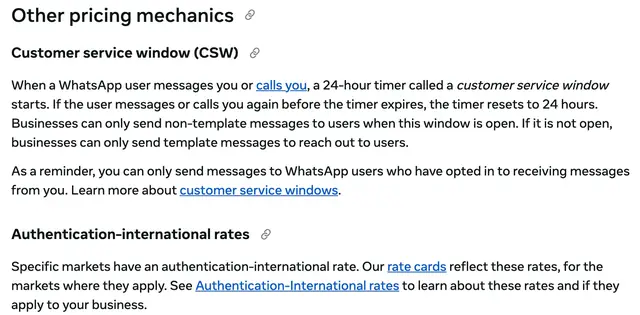
How multilingual WhatsApp agents capture after hours bookings
A WhatsApp agent can answer a 1am booking request in the guest's own language. How Meta's 24 hour window, templates and pricing shape that agent.
Read the post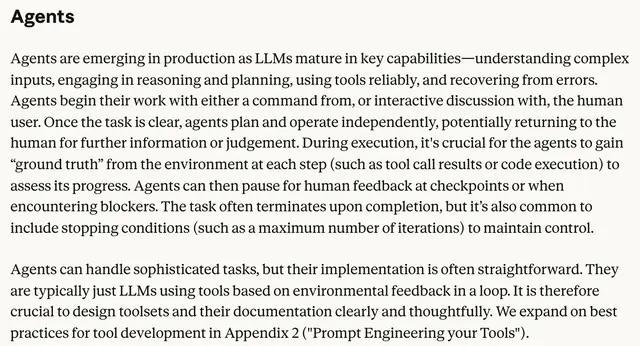
When should an AI agent hand off to a human?
Hand off when the agent keeps failing, when an action is risky or cannot be undone, or when the customer asks. What OpenAI, Anthropic and vendors say.
Read the post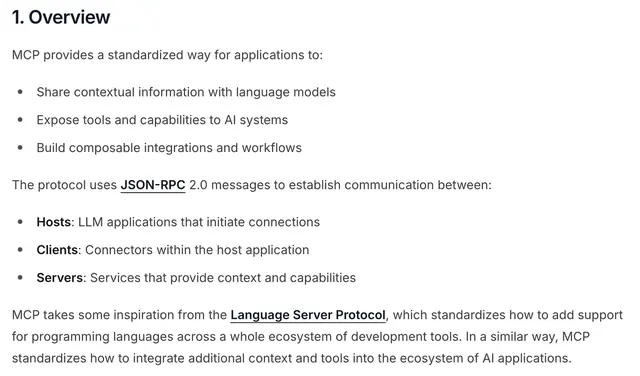
What "plugs into your stack" means for AI agents
APIs, webhooks, OAuth and MCP are how an AI agent reads, acts and writes back in your CRM, calendar and helpdesk. What each one does and what to ask.
Read the post